Welcome
Welcome to the NoteValidator Help Center. This guide shows you how to connect your Notion workspace, build validators, and keep your data consistent without adding friction to your team.
What is NoteValidator?
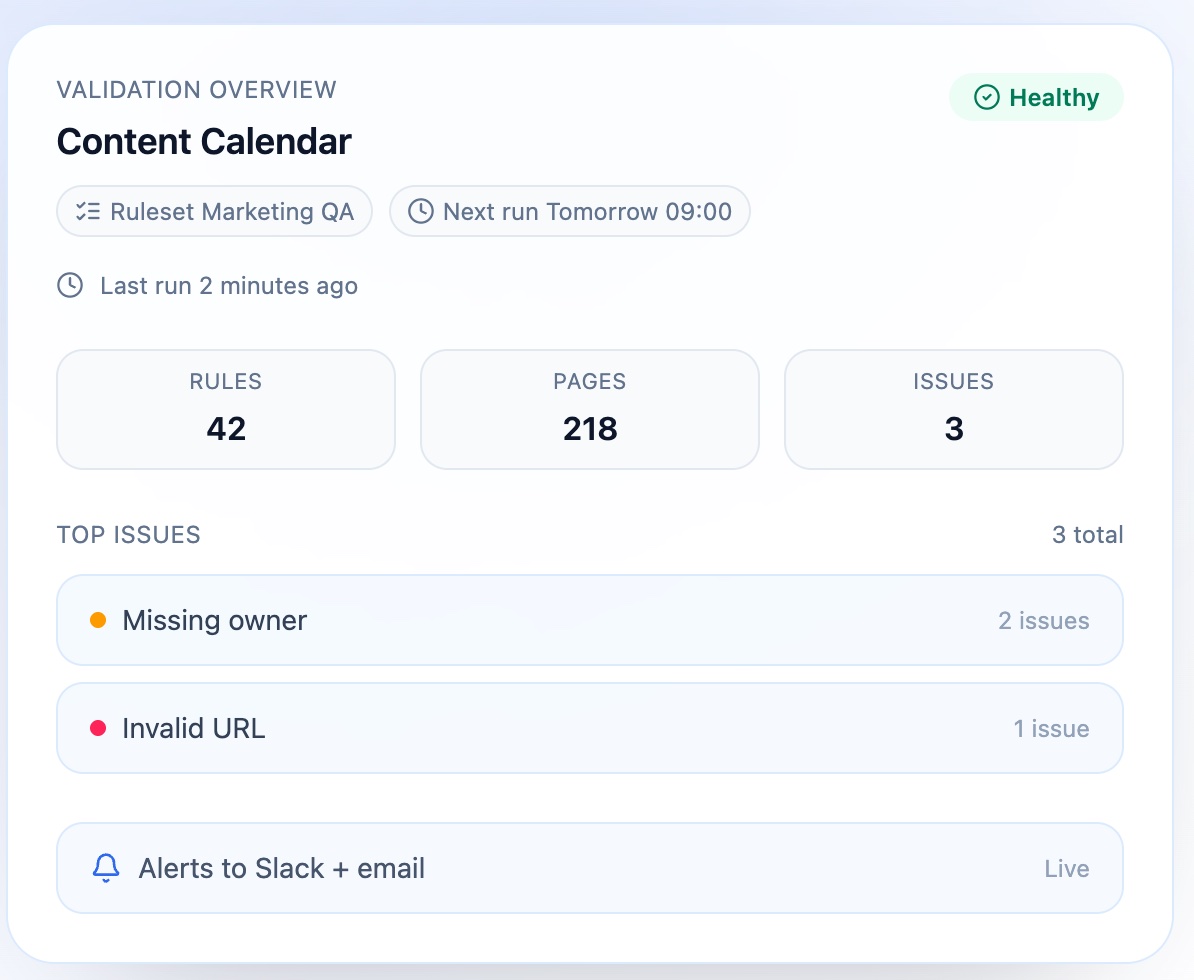
NoteValidator is a Notion integration that checks your databases against rules you define. It highlights risky or inconsistent entries so you can fix them early and keep everyone aligned.
You can use it to:
- Enforce required fields and formatting standards
- Prevent duplicates (like repeated IDs or URLs)
- Catch missing or invalid values before they spread
- Run checks manually or on a schedule
- Fix issues directly in this app
Who is it for?
- Operations teams keeping shared databases clean
- Marketing teams managing campaigns and content calendars
- Sales teams maintaining CRM accuracy
- Product teams tracking specs, status, and ownership
The typical workflow
- Connect a Notion workspace
- Pick a database to validate
- Create rules for the properties you care about
- Run the validator and review results
- Fix issues and re-run to confirm
- Schedule automatic checks for ongoing quality
Connect
Notion workspace
Pick
A database
Create
Rule set
Run
Validator
Fix
Issues
Where to start
- If you want the fastest path: Quick Start
- If you want a full map of features: Concepts